
Slow computer: 9 common causes and how to find yours
August 8, 2026 (updated September 25, 2026) · 10 min read
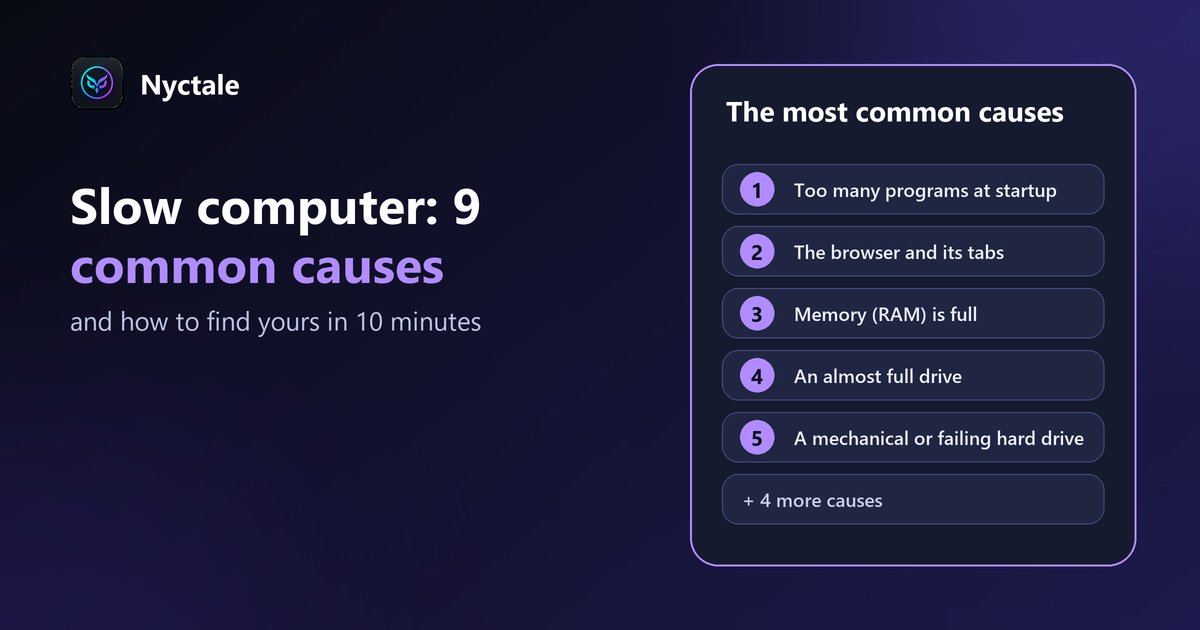
A slow computer isn't 'worn out': there is always a specific cause. In the vast majority of cases it's software (startup programs, the browser, full memory, Windows working in the background) and can be fixed for free, without buying a new machine.
The scenario is almost always the same. A year ago, the computer started in a few seconds. Today, opening a browser takes an absurd amount of time. Nothing special was installed, nothing visibly broke, and yet everything is slower. This guide goes through the most common causes, from most to least likely, then gives a simple method to find yours.
In short: where should you start?
- Do a real restart ('Restart', not 'Shut down'): it's free and solves more cases than you'd think.
- Open Task Manager (Ctrl + Shift + Esc) and look at what's using the processor, memory and disk.
- Check that at least 15% of your C: drive is free.
- If nothing stands out, check the drive type (SSD or hard drive) and its health: an old hard drive is often the real bottleneck.
Why does a computer become slow?
A PC doesn't lose speed like a battery wearing out. It slows down because one resource is saturated: the processor, the memory or the disk. Finding which one is half of the solution. Here are the nine causes we see most often.
1. Too many programs launching at startup
Every installed program wants to 'start with Windows': chat apps, game launchers, printer utilities, sync tools... Each one permanently takes a bit of memory and processor. After a few years, a dozen programs run in the background that you never actually open. It's the most common cause of a PC that's slow right from startup.
2. The browser and its tabs
A modern browser uses a huge amount of memory: each tab is almost a small program. Thirty open tabs, a forgotten video or a badly written extension is enough to slow down the whole computer. On a PC with 8 GB of memory, it's often the main cause of a PC that gets slower through the day.
3. Memory (RAM) is full
When memory is full, Windows moves part of its content to the disk, which is far slower. Everything becomes sluggish: switching windows, opening a file, typing. In 2026, 8 GB is enough for light office work; with a busy browser and a few apps open, 16 GB becomes comfortable. To read these figures correctly, see how to read RAM usage when memory looks full.
4. An almost full drive
Windows needs free space for temporary files, updates and virtual memory. Below roughly 10 to 15% free space on the C: drive, slowdowns and failed updates become common.
5. A mechanical hard drive, or one near the end of its life
Many PCs sold before 2019 still use a mechanical hard drive (HDD), dozens of times slower than an SSD for the small reads Windows constantly needs. An aging hard drive also slows down before it fails. It's the only truly hardware cause on this list, and the good news is that SSDs are now cheap.
6. Windows working in the background
Updates, antivirus scans, file indexing for search, OneDrive sync: after startup, and especially after several days unused, Windows catches up. These slowdowns are temporary and disappear within 20 to 40 minutes. If they come back at every startup, an update is probably stuck.
7. A computer that never truly restarts
With 'fast startup', enabled by default, 'Shut down' doesn't reset Windows: it hibernates part of the system. A stuck program or a memory leak can survive weeks of shutdowns. Only 'Restart' truly starts from scratch.
8. An overheating processor that throttles itself
When the processor gets too hot (dust, blocked vents, dried thermal paste), it deliberately reduces its speed to protect itself. The computer becomes slow, often with a noisy fan. Our guide on the fan that always runs at full speed covers this case.
9. Damaged system files or unwanted software
An interrupted update or a power cut can damage Windows files and cause slowdowns and crashes. 'Optimizers', 'cleaners' and toolbars installed along the way often do more harm than good, as do two antivirus programs running at the same time.
How can you find the cause yourself in 10 minutes?
- Use 'Restart', wait five minutes, then open Task Manager with Ctrl + Shift + Esc (click 'More details' if the window is compact).
- In the 'Processes' tab, sort by 'CPU', then 'Memory', then 'Disk'. A program that stays at the top of one of these columns is your first suspect.
- Look at the 'Performance' tab: if memory is over 85-90% used during normal use, memory is the bottleneck. If the disk sits at 100%, see our guide on disk at 100%.
- Still in 'Performance' > 'Disk', the 'Type' line says SSD or HDD. HDD means a mechanical hard drive.
- Open the 'Startup apps' tab and spot programs with a 'High' impact that you don't need at startup.
- Open File Explorer > 'This PC': if the C: drive bar is red, you're short on free space.
What to do depending on the cause
- Startup programs: in Task Manager > 'Startup apps', right-click and choose 'Disable'. The program stays installed; it just no longer launches by itself.
- Browser: close unneeded tabs, remove extensions you don't use and turn on memory saver (Chrome, Edge).
- Full memory: if memory is full even with little open, adding a module (8 to 16 GB) costs roughly €30 to €60 depending on the model, and it's often the most noticeable upgrade.
- Full drive: Settings > System > Storage, then 'Cleanup recommendations'. Uninstall unused programs and move photos and videos to an external drive.
- Mechanical hard drive: replacing it with an SSD (about €40 to €70 for 500 GB, plus labour if a shop does it) transforms an old PC. It's often the best value upgrade.
- Windows in the background: leave the computer on and plugged in for 30 to 40 minutes, then restart. If an update keeps failing, see our guide on Windows 11 slow after an update.
- Fast startup: get into the habit of using 'Restart' at least once a week, or turn off fast startup (Control Panel > Power Options > 'Choose what the power buttons do').
- Overheating: dust the vents, put the laptop on a hard surface, or have it professionally cleaned (about €50 to €80).
- System files: in a command prompt run as administrator, run DISM /Online /Cleanup-Image /RestoreHealth, then sfc /scannow. Also uninstall 'optimizers' and keep a single antivirus.
When should you consider replacing your computer?
Rarely for slowness alone. Replacing makes sense when several signals add up: a processor that can't run Windows 11, a repair that would cost more than a third of an equivalent PC, or a device that no longer fits your needs at all. Our article 'Replace or repair your PC?' gives a full decision checklist.
What Nyctale checks in 19 seconds
Nyctale does this whole check for you: programs using the processor and memory, drive type and health, free space, processor heat and throttling, sudden shutdowns, system files. It explains in plain language what is really slowing your PC down, and never changes anything without your consent. The diagnosis is free and unlimited.
Going further
If the slowdown comes with freezes or files that no longer open, also check your drive's health. To compare measurement tools, see the best free PC diagnostic tools, and if crashes join the slowness, read about the Windows 11 blue screen.
Going further: before wiping everything, read what a diagnostic can save you before reformatting your PC.
Frequently asked questions
Why is my computer slow even though it's new?
On a recent PC, the cause is almost always software: startup programs, a heavy browser, an update in progress or a stuck program. Task Manager (Ctrl + Shift + Esc) shows within seconds what's using the processor, memory or disk.
Does reinstalling Windows speed up a PC?
Often yes, but it's the heaviest option: you have to back up your files and reinstall all your software. It's better to find the cause first. If it's hardware (a mechanical hard drive, not enough memory), reinstalling won't change anything.
Are 'PC cleaner' programs useful?
Rarely. Windows already includes disk cleanup and startup management. Many of these programs run permanently in the background themselves and push you towards a paid version. A diagnosis that names the cause is more useful than blind cleaning.
How much RAM do you need in 2026?
8 GB is enough for office work and light browsing. With many browser tabs, video calls or photo editing, 16 GB is much more comfortable.
Is replacing a hard drive with an SSD worth it?
Yes, it's often the single best upgrade for a PC older than five years: startup and program launches several times faster, for about €40 to €70 in parts.
Read next
- The Best Free PC Diagnostic Tools (and What to Expect From Them)
- Slow PC startup: the real causes and how to fix them
- Startup Programs: Which Ones to Disable Safely
- Disk at 100% in Task Manager: why, and how to calm it down
- Windows 11 slow after an update: what to do
- Replace or repair your PC? 6 questions to ask before buying
- How to Tell If Your Hard Drive Is Failing: Warning Signs and the SMART Test
- Windows 11 Blue Screen: How to Read the Error Code and Fix the Cause
- RAM Full at Idle on Windows 11 & 10: How to Read Memory Usage and What to Do
- Before Reformatting Your PC: What a Diagnostic Can Save You