
Windows 10 End of Support: What to Do With Your PC
October 14, 2026 · 4 min read
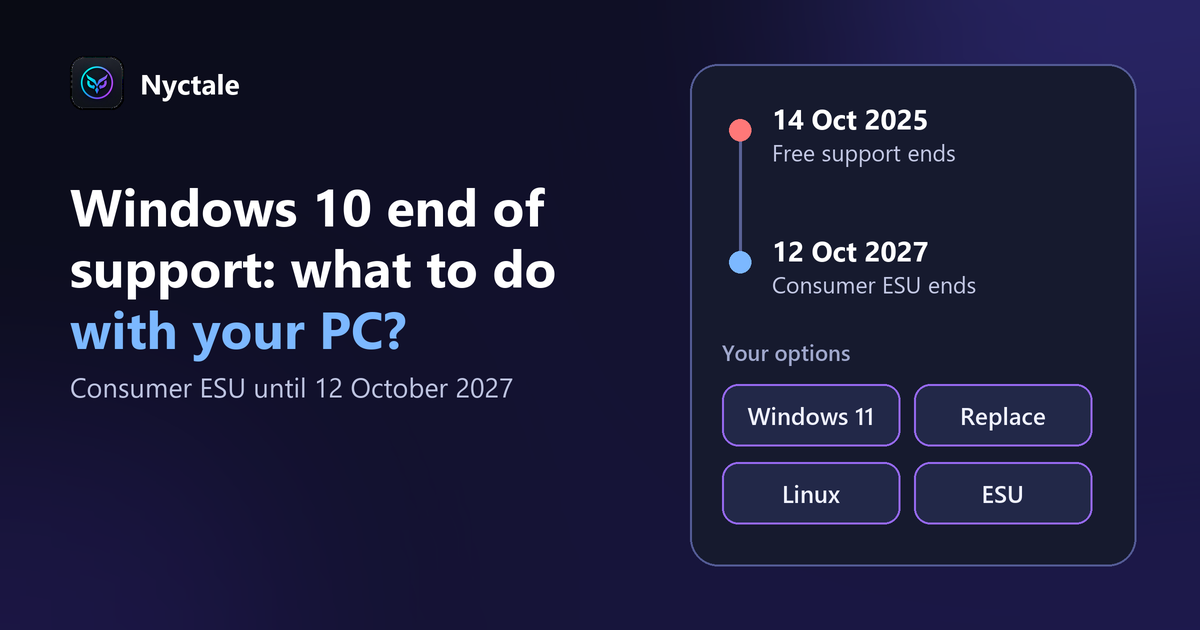
Windows 10 has not been supported since 14 October 2025: it no longer receives free security fixes, and continuing to use it exposes your PC more. You have four options: migrate to Windows 11 if your PC is compatible, replace the PC, switch to a Linux distribution, or enrol in Microsoft's Extended Security Updates (ESU) programme, which runs until 12 October 2027 for consumers.
The question concerns millions of perfectly good PCs. Before throwing out or replacing anything, decide based on your machine's real condition. The ESU terms have already changed once: read Microsoft's official page before enrolling.
Option 1: migrate to Windows 11
If your PC is compatible, it is the simplest and free route. Check compatibility: see is my PC compatible with Windows 11? and the official specifications page. Back up first.
Option 2: look into extended security updates
The consumer ESU programme gives access to critical and important security fixes until 12 October 2027, and you can enrol at any time until then. It includes no new features and no technical support. For an individual in the European Economic Area, according to Microsoft's page consulted on 14 October 2026:
- if you sign in to Windows with a Microsoft account, enrolment is at no extra cost, as long as you stay signed in with that account (otherwise updates stop after up to 60 days and you must re-enrol);
- if you prefer to keep a local account, a one-time purchase of 30 US dollars (or the local-currency equivalent, plus tax) lets you enrol.
You need a PC running Windows 10 version 22H2 (Home or Pro, among others), fully updated, and an administrator account. It is a delay, not a lasting solution: ESU stops in October 2027.
Option 3: replace the PC
If the PC is too old for Windows 11 and for your uses, replacement can be justified. Our article before buying a new PC helps decide, and a diagnosis of the PC's condition avoids replacing a machine that is still healthy.
Option 4: switch to Linux
A mainstream Linux distribution can give an old PC a second life for browsing, email and office work. The change of habits is real, and some software or devices have no equivalent. Try it from a USB stick before committing. Nyctale also exists in a Linux version.
How do you decide according to the PC's condition?
- Healthy and compatible PC: Windows 11
- Healthy but incompatible PC, simple uses: Linux or, for a time, the extended option
- Tired PC (worn disk, overheating, slowness): replacement
An analysis of the PC's condition helps decide: Nyctale's analysis is free.
What to do in the meantime?
Keep Windows and your software up to date, use an account without administrator rights day to day, avoid dubious attachments and sites, and back up regularly.
Conclusion: decide according to the machine's real condition
Do not replace a healthy PC out of reflex, and do not keep an unsupported system indefinitely. If you enrol in ESU, you have until 12 October 2027 to prepare what comes next.
Frequently asked questions
What happens when Windows 10 is no longer supported?
It no longer receives free security fixes, which exposes the PC more.
Must my PC move to Windows 11?
No, other options exist, but check compatibility first.
Is Linux a good option?
For simple uses on an older PC, often yes; test first.
Should I back up?
Yes, before any migration.
How long can I stay on Windows 10 safely?
Free support ended on 14 October 2025. With consumer ESU, security fixes continue until 12 October 2027, after enrolment.
Is ESU paid?
Not if you stay signed in to Windows with a Microsoft account. With a local account it is a one-time purchase of 30 US dollars (or equivalent, plus tax), according to Microsoft's page consulted on 14 October 2026.
Where can I find the official dates?
On Microsoft's ESU page.